
Download eBuddy APK – Instant Messaging, Chat, Mobile Messenger, Free IM Tool
Overview
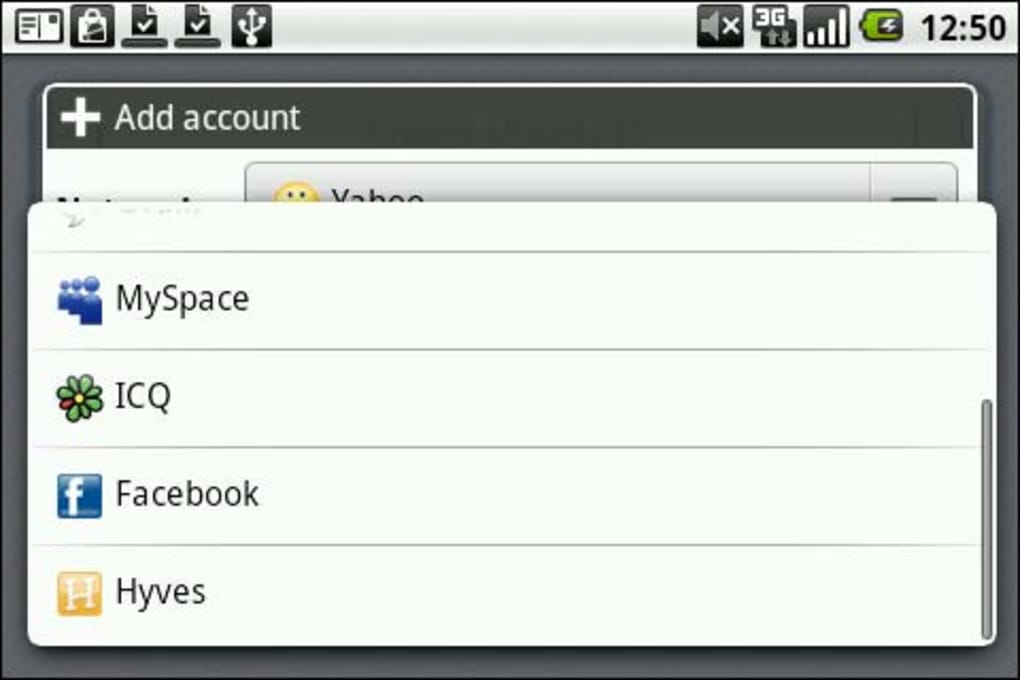
eBuddy Mobile Messenger is a desktop and mobile application designed to unify multiple instant messaging accounts into a single, accessible interface. Its primary purpose is to streamline communication by allowing users to manage contacts and conversations across various platforms without switching between separate apps. The software supports major messaging services including MSN, Yahoo!, AIM, Google Talk, ICQ, and Facebook, enabling users to view online statuses and exchange messages seamlessly.
Target users include individuals who maintain multiple IM accounts and seek a consolidated messaging experience. It is particularly useful for professionals and casual users who value efficiency and convenience in digital communication. The application simplifies cross-platform connectivity, making it easier to stay in touch with friends, family, and colleagues regardless of their preferred messaging service.
While the developer did not provide additional background details, the app's functionality suggests a focus on accessibility and user-centric design. Real-world usage scenarios include managing personal conversations across different networks, coordinating with team members using diverse platforms, and maintaining social connections without app overload.
Key Features & Capabilities
- Multi-Platform Integration – eBuddy aggregates accounts from MSN, Yahoo!, AIM, Google Talk, ICQ, and Facebook into one interface, reducing the need to juggle multiple apps.
- Unified Contact List – Users can view all contacts, whether online or offline, in a single list, improving visibility and response time.
- Chat Interface with Speech Bubbles – The interface uses speech bubbles to visually separate messages, enhancing readability and reducing clutter.
- Profile Viewing – Users can access contact profiles, providing basic information and social context.
- Emoticon Support – The app includes a selection of preset emoticons for expressive communication, with options to download additional sets from the eBuddy platform.
These features enable users to maintain consistent communication across networks with minimal effort. For example, a user can initiate a conversation with a friend on Facebook while simultaneously checking messages from a colleague on Yahoo! without leaving the app. The streamlined workflow enhances productivity and reduces digital fatigue associated with managing multiple messaging tools.
User Interface, Workflow & Performance
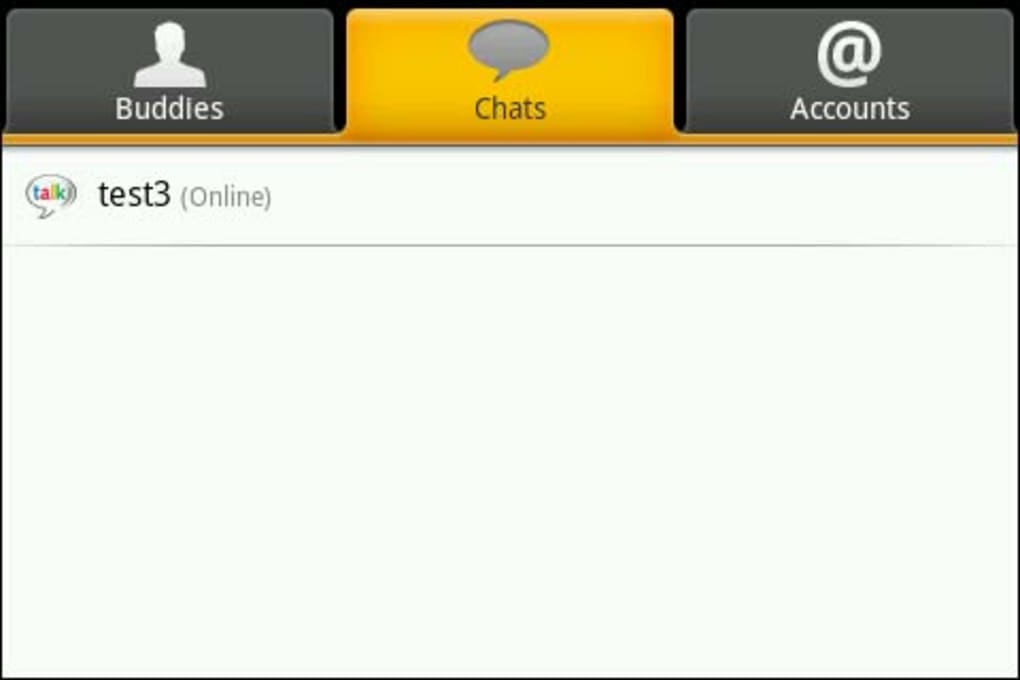
The user interface of eBuddy Mobile Messenger is described as tidy and colorful, with a tab-based navigation system that keeps the layout organized and visually appealing. Tabs help segment functions such as contacts, chats, and settings, contributing to a clutter-free experience. The design emphasizes clarity and ease of access, making it intuitive for users of varying technical skill levels.
Workflow efficiency is supported by direct access to conversations through a simple tap on a contact’s name, initiating a chat tab instantly. The chat interface has been improved in recent updates, with enhanced layout and responsiveness. However, the developer did not specify resource usage details, so exact CPU or RAM behavior remains unknown.
Performance observations are based on general software behavior patterns. The app has undergone updates to fix crashes on certain devices and improve login screen functionality. Stability has been enhanced, though specific benchmarks or load testing data were not provided. Overall, the application appears to function reliably within typical mobile operating system constraints.
Compatibility & System Requirements
eBuddy Mobile Messenger is available as an APK file, indicating compatibility with Android-based devices. The application is designed for mobile platforms, though specific OS version requirements were not listed. Installation size and hardware specifications were not disclosed in the provided information.
Compatibility information was partially provided. While the app is accessible via APK, exact device support details are limited. The developer did not specify minimum RAM, processor, or storage requirements. Users should ensure their device meets standard Android app installation criteria. The app is intended for mobile use, and desktop compatibility is not confirmed.
Pros and Cons
Pros
- Supports multiple IM networks in one interface
- Intuitive, colorful user interface with tab navigation
- Unified contact list improves visibility and access
- Chat interface uses speech bubbles for better readability
- Regular updates improve stability and user experience
Cons
- Limited chat features, such as no file or image sharing
- Basic emoticon selection with limited customization
- Lacks advanced features like VoIP or video calling
- No integration with services like Skype or WhatsApp
- Insufficient system requirements details provided
FAQ Section
Is eBuddy available for desktop computers?
The provided information focuses on the Android version of eBuddy Mobile Messenger. Desktop compatibility was not specified.
Can I use eBuddy without creating an account?
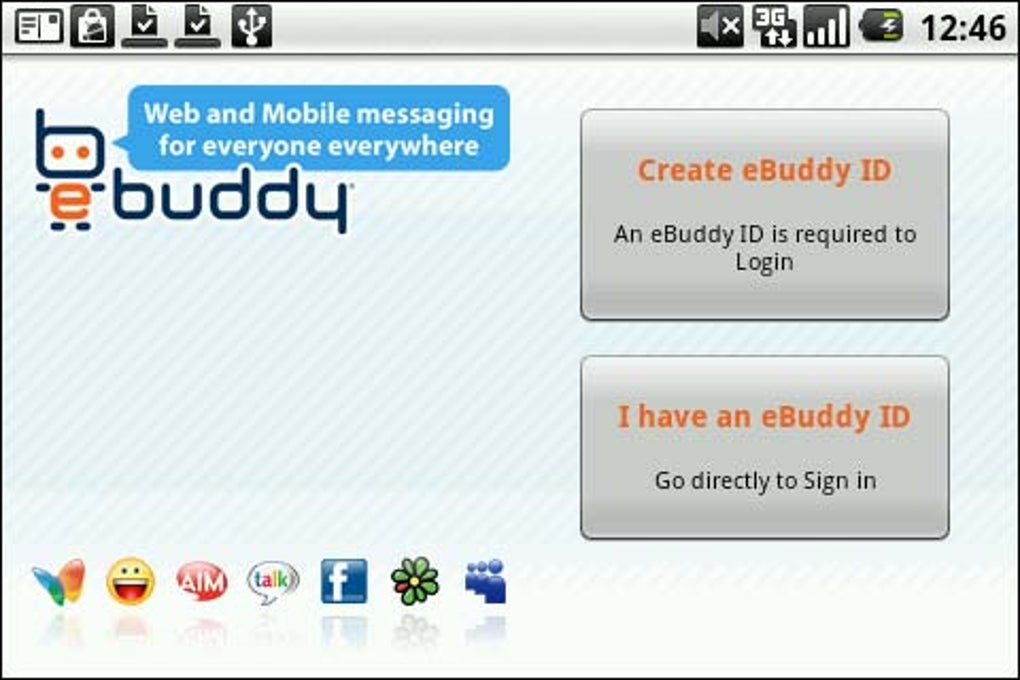
No. Users must sign up for a free eBuddy account during the initial setup process to access the app’s features.
Does eBuddy support file and image sharing?
Based on the available details, the app does not support sending pictures or files. The messaging capabilities are limited to text-based communication.
How often does eBuddy receive updates?
Recent updates have addressed crashes, improved the login screen, and enhanced the chat interface. The frequency of updates is not specified.
Is eBuddy secure and safe to use?
The developer did not provide security-related information. Users should exercise caution when connecting multiple accounts and ensure their personal data is protected.
Final Thoughts + CTA
eBuddy Mobile Messenger delivers a straightforward, efficient solution for users who manage multiple instant messaging accounts. Its ability to consolidate services like MSN, Yahoo!, AIM, Google Talk, ICQ, and Facebook into a single interface is a significant advantage for those seeking simplicity and convenience. While the app lacks advanced features such as file sharing, VoIP, or integration with modern platforms like WhatsApp, it excels in core messaging functionality.
Its clean interface, tab-based navigation, and improved chat experience make it a reliable choice for basic cross-network communication. However, users seeking comprehensive messaging tools with multimedia support may find it limited. For individuals prioritizing ease of use and multi-account access without complexity, eBuddy remains a solid option.
Download eBuddy APK now to experience unified instant messaging on your Android device.





.png)

